EN
What Features Make Easy Operation Crawler Remote Control Lawn Mower Friendly For New Operators
A crawler remote control lawn mower can make difficult mowing tasks feel more manageable for a new operator, but “easy to operate” does not remove the need for preparation. The friendliest machines reduce avoidable control effort: the remote is clear, the machine reacts predictably, and important safety actions are easy to find and test. The operator still needs training, a site check, and the manufacturer’s instructions for the exact model.
From an operator’s point of view, the most useful way to assess a crawler remote control lawn mower is to split the job into three stages: prepare the site, make controlled passes, and review the machine after work. That approach reveals whether a feature truly lowers the learning curve or simply adds another item to manage.
Start With a Simple, Predictable Control Layout
For a new operator, the remote should make the next action obvious. Clearly separated steering, travel, blade-engagement, and stop controls reduce the chance of searching for a switch while watching the mower. Labels, distinct shapes, and a layout that can be understood before the engine or cutting system is active all help build familiarity.
Predictable response matters as much as the number of buttons. A crawler remote control lawn mower is easier to learn when small joystick movements lead to gradual, repeatable movement rather than abrupt direction or speed changes. Proportional steering and speed control can help an operator practice low-speed turns and straight tracking in an open area first. The actual response and available settings vary by model, so the operating manual and a supervised familiarization session should set the limits.
It is also helpful when the remote gives clear feedback about connection, machine status, and selected functions. A visible indication that the remote link is active is more useful to a beginner than a long list of advanced modes. Before any mowing begins, confirm the remote is paired as specified by the manufacturer and that controls respond correctly in the designated test procedure.
Make Stop Actions Fast, Obvious, and Testable
A newcomer should be able to identify how to stop the machine before learning how to mow with it. Easy-operation design includes an accessible emergency stop on the machine and a clearly identified remote stop or stop procedure where the model provides one. General remote-mower safety guidance commonly treats the site, machine, remote link, emergency controls, weather, and exclusion area as pre-start checks.
That feature is valuable only when it is tested according to the manual. Establish a clear exclusion zone, keep bystanders away, and know what the machine does after a stop command: whether travel stops, cutting stops, or a restart sequence is required. A crawler remote control lawn mower should not be judged beginner-friendly merely because it has a red button; the operator must understand its function and limitations.
Use Crawler Stability as a Worksite Question, Not a Shortcut
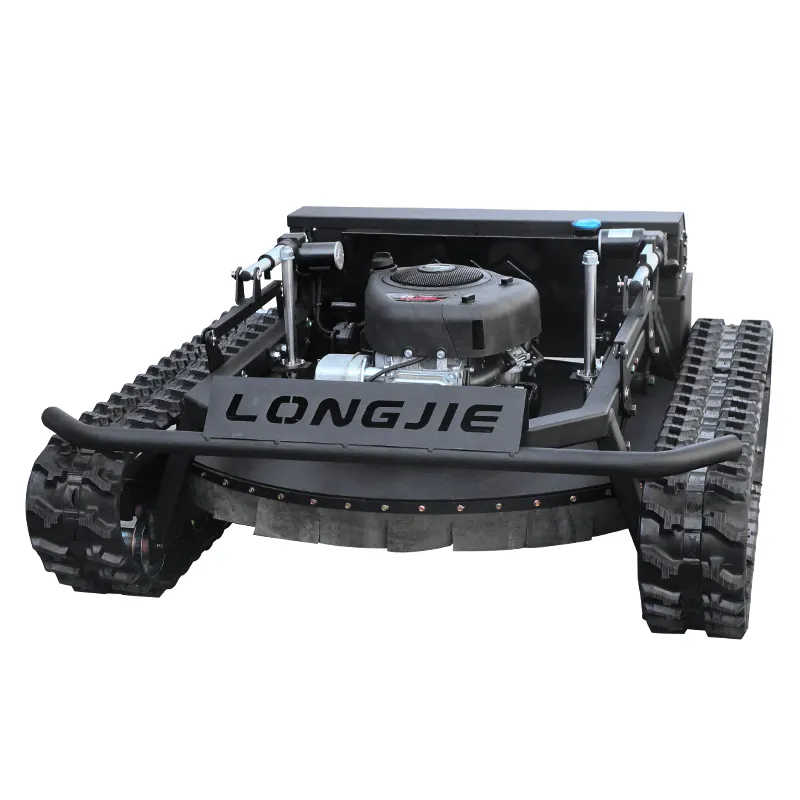
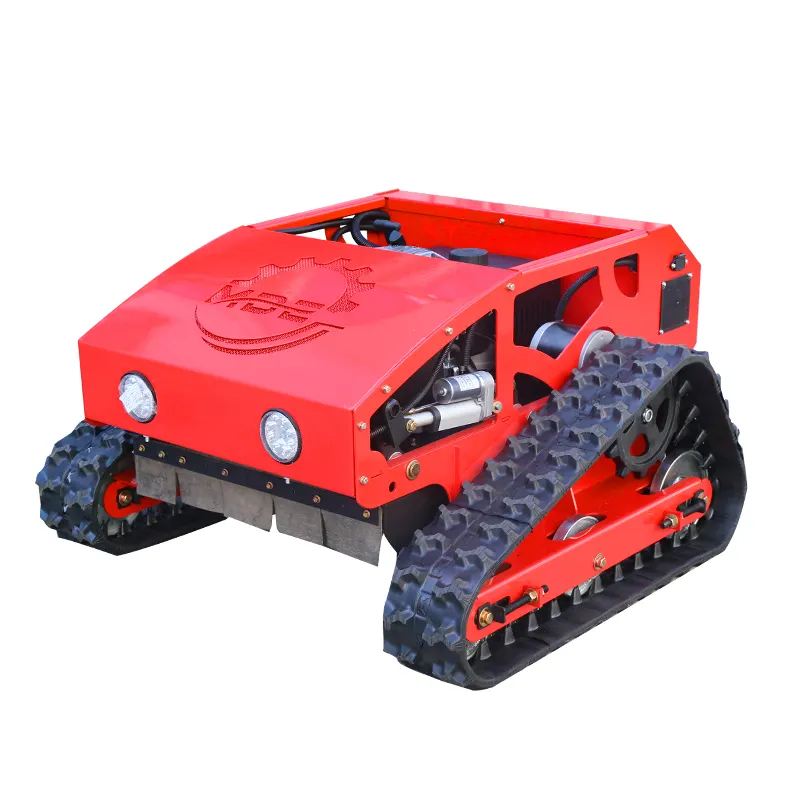
Tracks can give a crawler remote control lawn mower a broad contact area and a planted feel on suitable ground. A low center of gravity and wide track stance are often discussed as helpful stability characteristics. Still, no track design makes every slope, wet patch, ditch edge, or obstacle safe. Surface moisture, loose soil, grass height, hidden holes, turning direction, and the machine’s approved operating limits can all change the decision.
For a new operator, friendly operation means the machine remains understandable when conditions change. Begin on level, open ground. Walk the intended route first, identify blind spots and turn zones, and mark boundaries near trees, fences, roads, water, or drop-offs. If visibility or footing is uncertain, pause and reassess rather than trying to correct the route with sharper inputs.
Remote control does not remove the need for site management. It can let the operator stand away from some hazards, but it also requires a reliable view of the mower and its route. Where the manual prohibits a terrain condition or the operator cannot maintain adequate observation, the correct choice is not to proceed.
Choose Features That Support a Calm First Workflow
A practical beginner workflow relies on features that make each phase easier to verify:
- Clear pre-start status checks: controls and indicators that help confirm the remote connection, stop function, fuel or power condition, and blade state before movement.
- Low-speed control: a setting or response range that allows slow practice, deliberate turns, and route correction without rushing.
- Controlled drive behavior: smooth starts, stops, and steering response that let the operator learn how the crawler remote control lawn mower reacts on the actual surface.
- Accessible service points: routine inspection items that can be checked without complicated disassembly, following the manufacturer’s maintenance directions.
- Legible warnings and manuals: safety labels and operating instructions that match the delivered configuration and language needs of the team.
Features should be prioritized by the task, not by how impressive they sound. A more elaborate control option is not automatically better if it adds complexity that the operator does not need. First confirm the safe operating conditions, then compare convenience features that fit the route and mowing routine.
Practice in a Preparation-Execution-Review Loop
Before work: inspect the site and create a route
Remove visible debris, check the grass and ground condition, establish a no-entry area, and decide where the mower will turn. Confirm that the operator can see the machine along the planned route. These steps reduce the number of surprises a first-time operator must solve while controlling the mower.
During work: favor slow, visible passes
Start with straight, low-speed passes in a clear area. Watch both the machine and the ground ahead of it. If the crawler remote control lawn mower begins to approach an obstacle, boundary, or questionable surface, use the approved stop procedure and evaluate the next move. Do not treat faster travel as proof of competence.
After work: review what made operation harder
After one session, note whether turns, visibility, control sensitivity, vegetation, or access routes created difficulty. This review can reveal whether a different work pattern, clearer site marking, more training, or a different configuration should be discussed with the supplier. It is a better learning process than assuming every challenge can be solved by adding power or speed.
Questions to Ask Before Selecting a Beginner-Friendly Machine
- Can the supplier explain the remote controls, stop actions, and start sequence for the exact configuration?
- Which terrain, slope, weather, and vegetation conditions are permitted in the operating documentation?
- How does the crawler remote control lawn mower behave at low speed, during turns, and after a stop command?
- What training, inspection, and maintenance materials are supplied for the operator team?
- Can the proposed machine be evaluated against the actual route, visibility constraints, grass condition, and access space?
Final Takeaway
The most approachable crawler remote control lawn mower is not simply the one with the most functions. It is the one whose controls are understandable, responses are predictable, stop procedures are clear, and operating limits are documented for the worksite. For new operators, that combination supports a deliberate learning path: inspect first, practice slowly, keep the machine in view, and verify conditions before each task. Before purchase or deployment, request the current product documentation and confirm that the planned site and training process match the approved use of the chosen model.